 Follow Us on Google
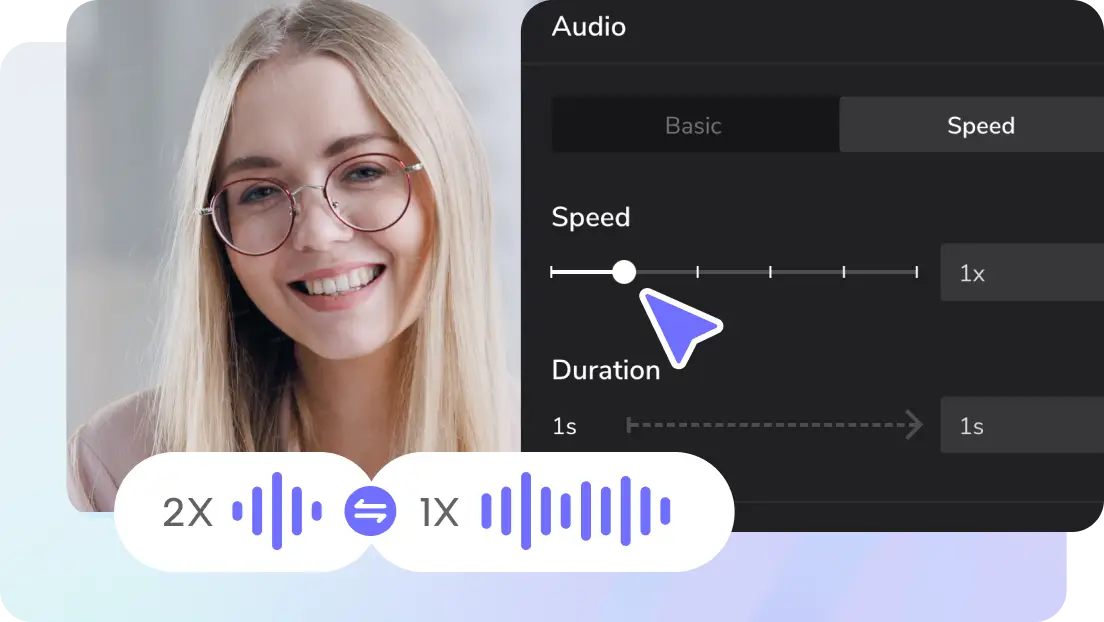
You don’t need a lot of expensive equipment or years of voice training to sound like a pro. Anyone can become an inner voice actor and experiment with new tools, such as text-to-audio and voice changers, using AI. These tools enable you to customize the sound of your message, from speed and pitch to emotion and language, whether you’re narrating a video, voicing characters, or creating content for social media. CapCut Web makes it very easy to do this. It enables you to produce realistic voices and edit creatively with just a few clicks. No boundaries and no retakes, just pure voice. Are you ready to find your voice and make it last? Let’s get started.
Speak volumes with text-to-audio tool
Forget about lengthy setups and voiceover sessions; CapCut Web’s text to audio free functionality brings your script to life in seconds. Just type or paste your content, and then choose from several AI voices that fit the mood of your project. There is a style that works for you, whether you need a quiet voice for a documentary, an enthusiastic voice for a promo, or a comfortable voice for social media. You can easily reach people all over the world with voices that speak different languages.
This tool is ideal for creators who want professional voiceovers but don’t want to hire actors or invest in recording equipment. It’s quick, simple to use, and looks real. You receive a pristine, studio-quality audio file as soon as you select “Generate.” There are no retakes, no noise, and no delays. Use it in podcasts, movies, presentations, or any other media where people need to hear your story clearly.
How to use CapCut Web’s text-to-speech tool in simple steps
With its easy-to-use text-to-speech tool, CapCut Web makes creating voiceovers a breeze. This function enables you to transform any writing into a polished voice track, whether you’re creating tutorials, explainer videos, or social media posts. To get started, just follow these easy instructions.
Step 1: Type in your script or use AI to make one
Go to CapCut Web’s Text-to-speech area. You can type your script directly here, whether it’s for a story, a product demo, or an explanation. Need help with the writing? To activate CapCut Web’s AI writer, simply click the “/” icon. All you have to do is type in your concept, and the tool will make a script for you that you can use right away. Press “Continue” to proceed when you’re satisfied.
Step 2: Pick the best AI voice for your script
You may discover a voice that fits your message on CapCut Web. It could be formal, entertaining, or welcoming. The options on the right side of the screen let you narrow down voices by emotion, age, gender, language, or accent. There are voices for every type, from professional narrators to fun character voices. Once you’ve listened to the voice and chosen one that works for you, click “Done” to save it and move on.
Step 3: Make the voice more transparent and more powerful
After you pick a voice, you can change how it sounds by moving the pitch and speed sliders. A slower speed might help clarify the educational subject, yet a stronger pitch can add intensity or emotion. These small changes ensure that your message resonates with your audience. Click “Preview 5s” to listen to a short sample and ensure it meets your requirements before proceeding.
When you’re happy with the voice and parameters, click “Generate” to make your audio. CapCut Web turns your text into crisp, studio-quality narration in only a few seconds. Want an easy voiceover? Pick “Audio only” under the ”Download” option. Or need help seeing captions? Choose “Audio with captions” to show the script on screen. This is ideal for individuals who learn best by visual learning. With those, you will be able to download the clip directly to your device, or by clicking on “Edit more” you can transform it into a complete educational or explainer movie with pictures, effects, and transitions.
Shape your sound with a voice changer
The voice changer in CapCut Web lets you adjust sounds in unique ways. This application allows you to completely change the sound of your voice, whether you’re creating an explanatory video or writing content with multiple characters. You can immediately adjust the tone, pitch, and emotional delivery of your voice to suit any style, from robotic and futuristic to soft, animated, or deep and dramatic. Want to use the same voiceover for different groups of people? Or make your material with characters more interesting? Change a few settings, and your voice will sound completely different. It’s quick, adaptable, and great for designers who want to get away from boring, one-tone sounds.
Unlock next-gen storytelling with CapCut Web’s AI video editor
CapCut Web is more than just a video tool; it’s your full-service AI video editor that transforms ordinary text into professional-quality videos. This software enables you to create visually engaging movies on a large scale with minimal effort, whether you’re a teacher, a brand marketer, or a content creator.
Here are the powerful AI-driven features you can explore:
AI avatar video: Create avatar presenters who look and act like real people, lip-sync your script, match facial expressions to tone, and get your point across clearly and with charm. This is great for tutorials, pitches, and walkthroughs.
Text-to-video generation: Either enter your script or ask AI to generate for you with the prompt, and CapCut Web will automatically create a full video with clever visuals, transitions, background music, and scene changes that complement your story.
Creating template videos: Utilize ready-made, fully adjustable templates that align with your brand style to save time. These are great for social media commercials, product explainers, learning modules, and more.
Innovative editing tools: Use easy drag-and-drop controls to add subtitles, effects, scene transitions, filters, and backdrop changes. These tools are all designed for editing in a browser, so you don’t need any extra software.
Let’s wrap up
You don’t need cameras or recording equipment to make high-impact videos using CapCut Web. You can quickly create dynamic content tailored to your audience with tools like AI avatar videos, text-to-video production, and video templates. Use the text-to-speech feature to add voiceovers that seem natural. Use the voice changer to modify the tone and emotion, and match the visuals for a polished, professional look.
CapCut Web is a single browser-based platform that lets you make explainers, social media ads, and training content with complete creative freedom. With CapCut Web, you can start making your AI-powered movie right now.